ChatGPT Baby Photoshoot Prompt Ideas for Parents
ChatGPT can help turn a broad portrait idea into a clearer image prompt.
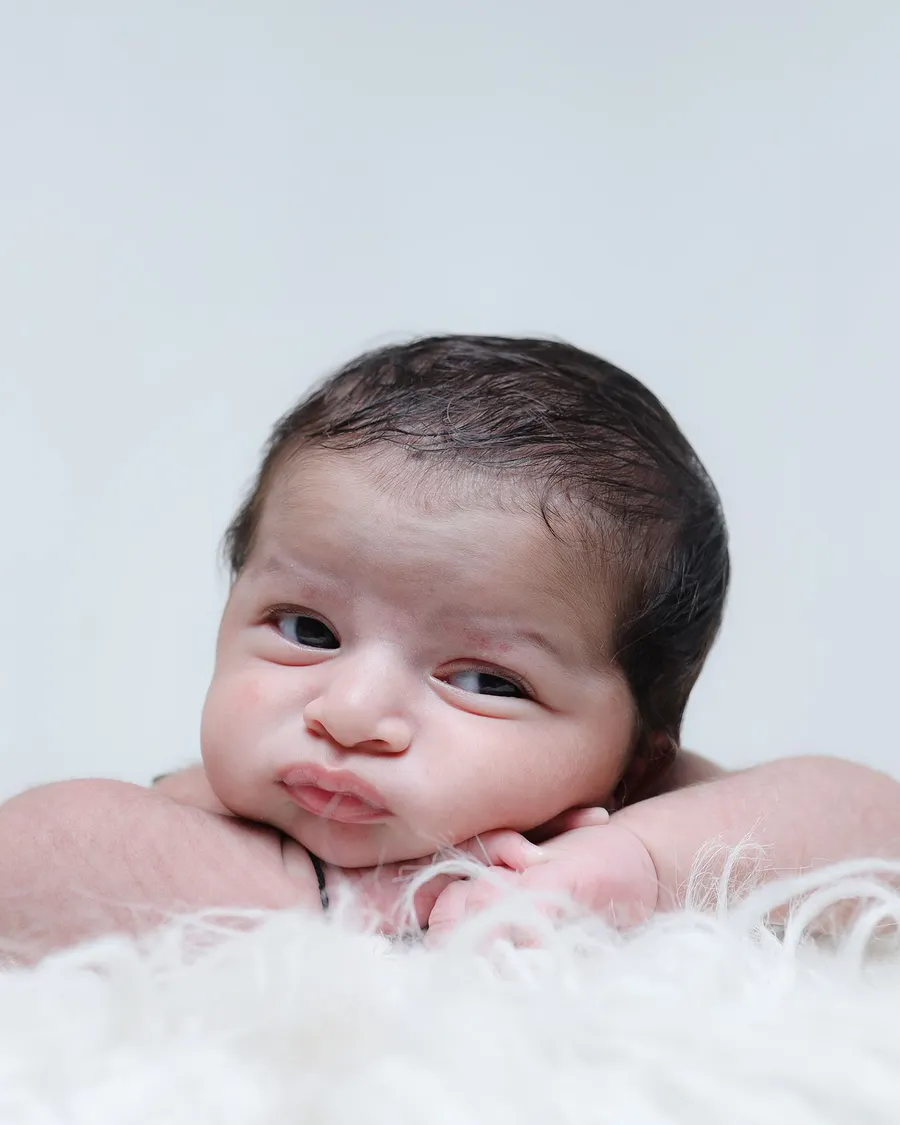
ChatGPT can help turn a broad portrait idea into a clearer image prompt. Describe the setting and style you want, then check whether the image tool supports reference photos and what it does with uploaded files.
Ask for a prompt, then refine it
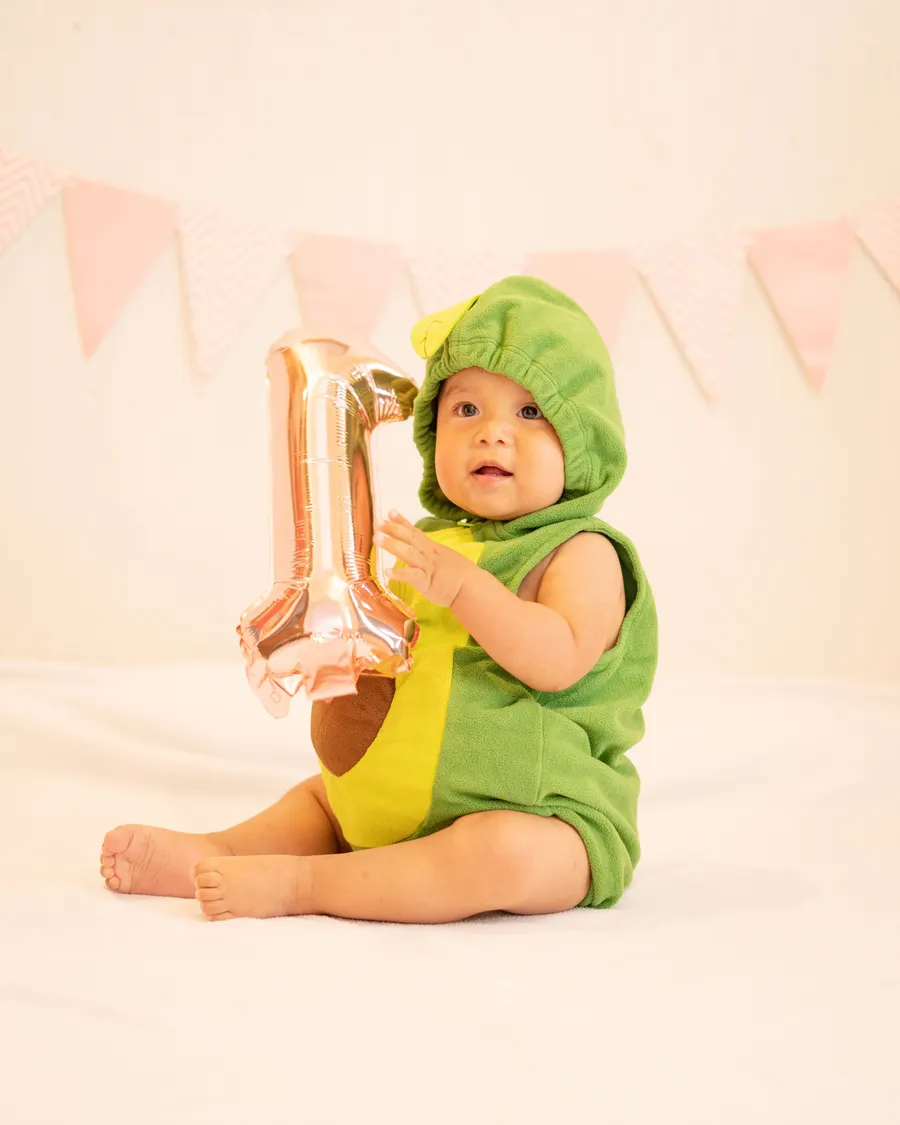
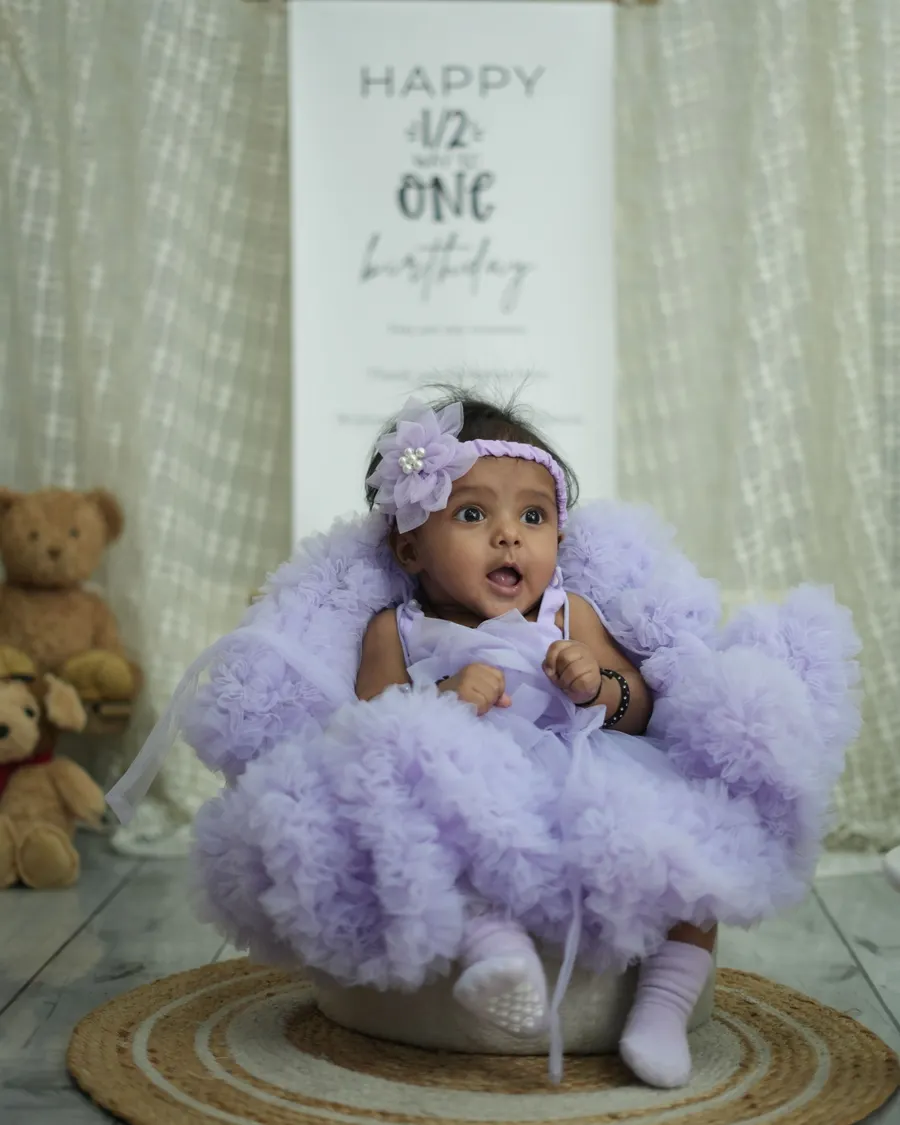
Start with a request for a short prompt that names the background, light, palette, and camera framing. Ask it to preserve the child’s natural appearance and not add text or extra people.
For example: “Write a prompt for a calm indoor baby portrait with a cream background and soft side light. Keep the child’s face and age unchanged, and avoid props near the face.”
- Choose a single visual style
- Specify a simple background
- Ask for realistic proportions
- Request no text or logos
Use image tools carefully
Features and data practices can change, so check the current product settings before uploading a child’s photo. Share the minimum personal information needed.
Compare the generated result with the original, watch for distorted features, and keep the original photograph. A prompt is a starting point, not a guarantee of an accurate portrait.
- Review privacy settings
- Avoid sensitive details
- Check every generated image
Review prompts, privacy, and the final image
Ask for a prompt in plain language and revise it yourself before using it. Remove personal details and check whether the image tool accepts reference photos before uploading anything.
Product capabilities and data policies can change. Review the current settings in the service itself instead of relying on an old tutorial or prompt template.
Explore more in AI Prompts or browse the complete BabyArt Journal.