AI Baby Photoshoot Prompts for Studio-Style Portraits
An AI baby-photo prompt works best when it describes the scene while treating the uploaded photo as the identity reference.
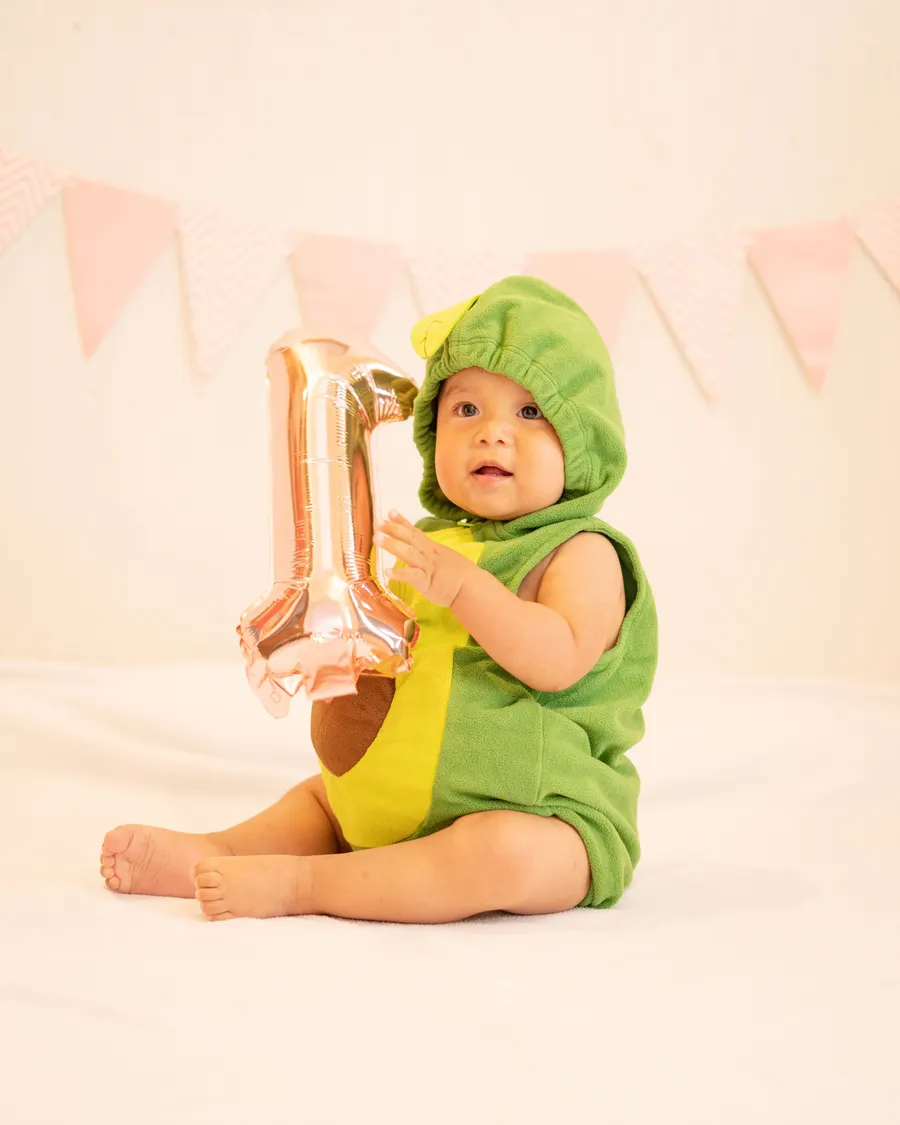
An AI baby-photo prompt works best when it describes the scene while treating the uploaded photo as the identity reference. Keep instructions specific about lighting, clothing, and background, and avoid asking the model to alter the child’s face or age.
Prompt structure that stays clear
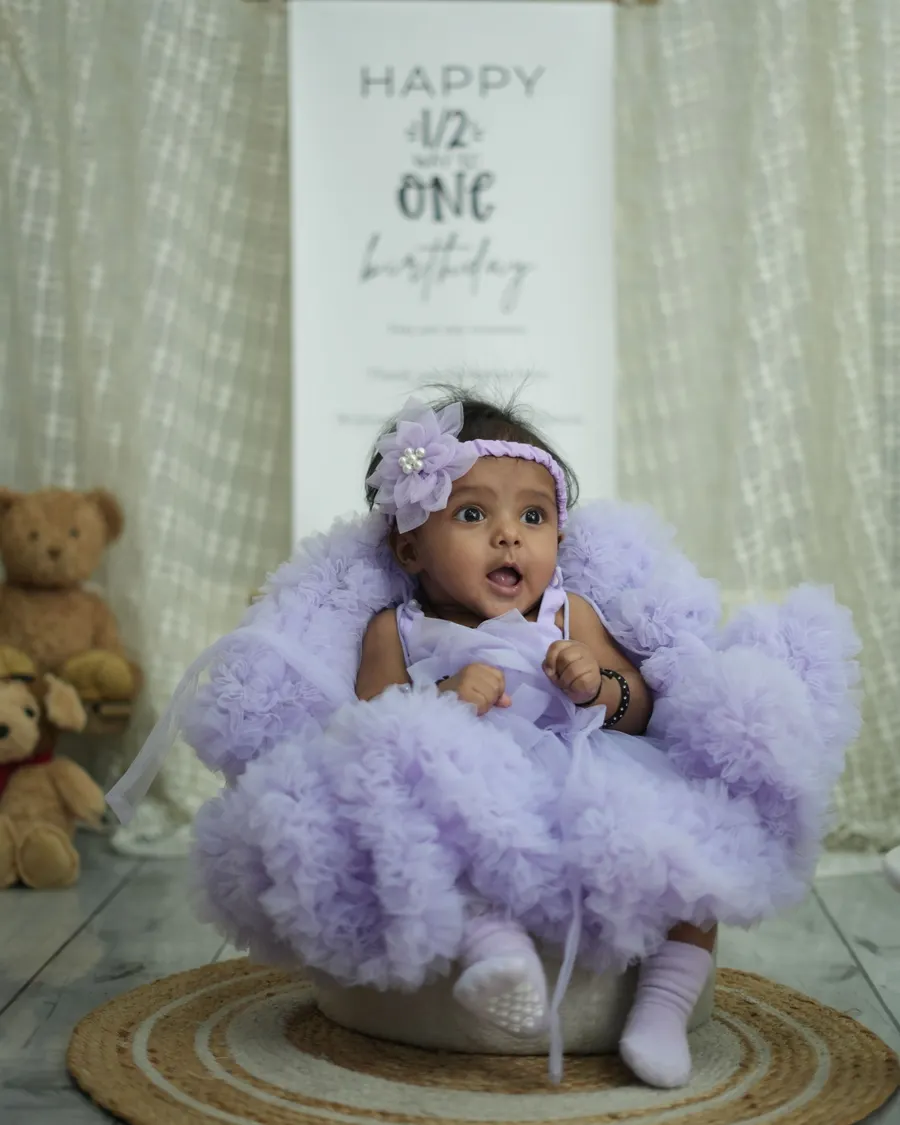
Write the subject first, then the setting, light, palette, and framing. For example: “Create a gentle studio-style portrait using the child in the reference image; preserve their recognizable features; soft window light; cream fabric background; waist-up composition.”
Use one style direction per prompt. A long string of conflicting adjectives gives the image model less useful guidance.
- Soft garden portrait with natural daylight and a simple green background
- Warm storybook studio with a family quilt and gentle colors
- Clean milestone portrait with a small month card beside the child
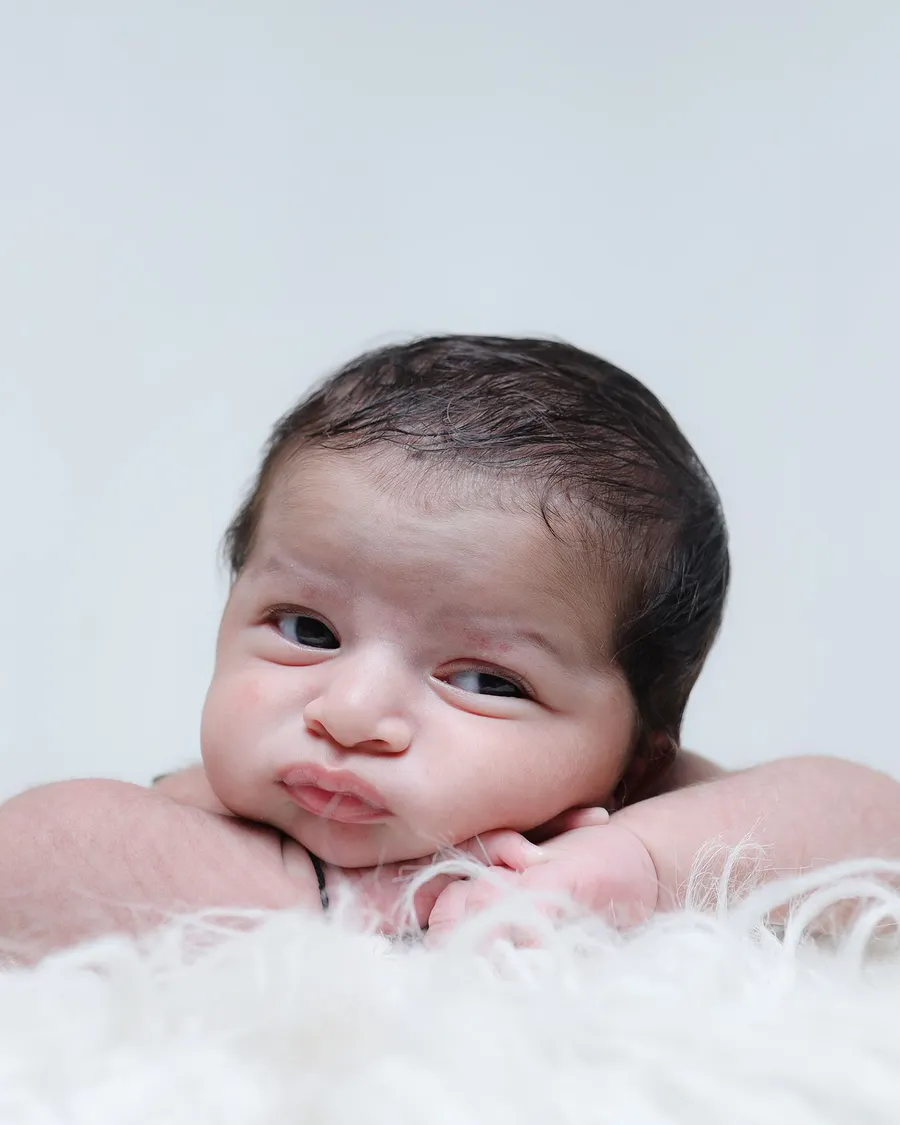
- Classic black-and-white close-up with natural expression
Review privacy and the result
Before uploading a child’s photo, review how the tool stores and uses images. Do not include names, location details, or other personal information in a prompt.
Inspect the output for changed facial features, extra fingers, unsafe props, or text errors. Keep the original file and do not present an AI-created scene as a documentary photograph.
- Use a clear reference photo
- Avoid identity-changing instructions
- Check the tool’s data policy
Review prompts, privacy, and the final image
Save the prompt that produced a useful result and note which changes you made. This makes later experiments easier to repeat without adding private details about the child.
Prompts cannot guarantee identity preservation or correct anatomy. Treat generated portraits as drafts, inspect them carefully, and discard results that misrepresent the child.
Explore more in AI Prompts or browse the complete BabyArt Journal.