How to Take Beautiful Baby Photos With Your Phone
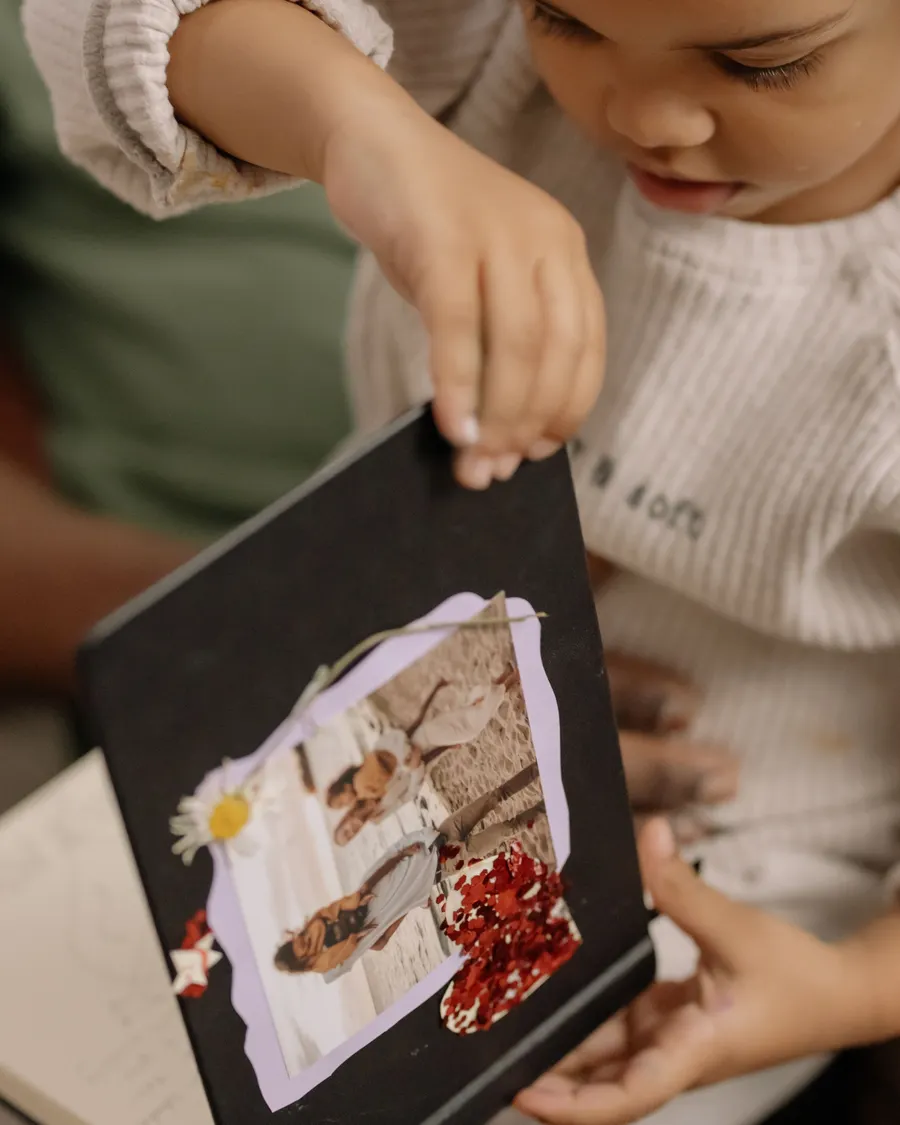
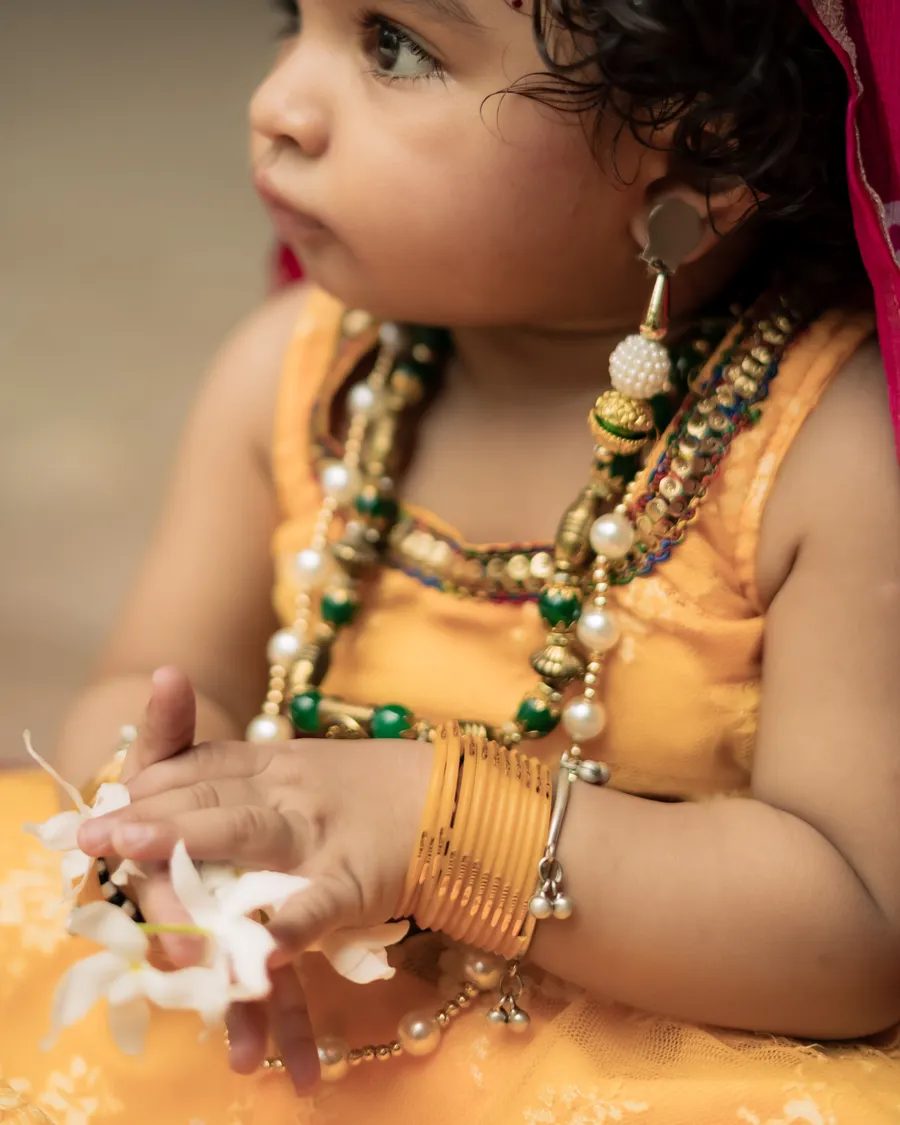
A phone can take beautiful baby photos when the light is soft and the moment is comfortable.

A phone can take beautiful baby photos when the light is soft and the moment is comfortable. Clean the lens, simplify the background, and keep the camera close enough to capture expression without using digital zoom.
Use light and framing well
Move near a window with indirect daylight and turn off mixed overhead lighting. Tap the baby’s face to focus, then step closer rather than zooming in.
Try both a close portrait and a wider frame that includes a parent or the room. Keep the background clear so small details do not compete with the expression.
- Clean the lens first
- Use the rear camera when possible
- Tap to focus on the face
- Take a short burst of frames
Keep the phone session relaxed
Photograph when the baby is content and take breaks. Do not use a phone while holding a baby over a raised surface; ask another adult to take the photo.
Save the original image before applying filters and back up your favorite photos somewhere secure.
- Keep the baby supported
- Skip heavy filters
- Back up selected originals
Prepare for a relaxed photo session
Take a moment to check the frame edges before pressing the shutter. A cluttered corner, bright window, or distracting object can pull attention away from the baby even when the face is in focus.
Store selected photos in a private, backed-up folder. Review the phone’s cloud-sharing settings if family images are synced to multiple accounts or shared devices.
Explore more in DIY Photography or browse the complete BabyArt Journal.