How to Create AI Baby Photos From One Picture
Creating an AI baby portrait from one photo usually involves choosing a reference image, describing a new scene, and reviewing the result.
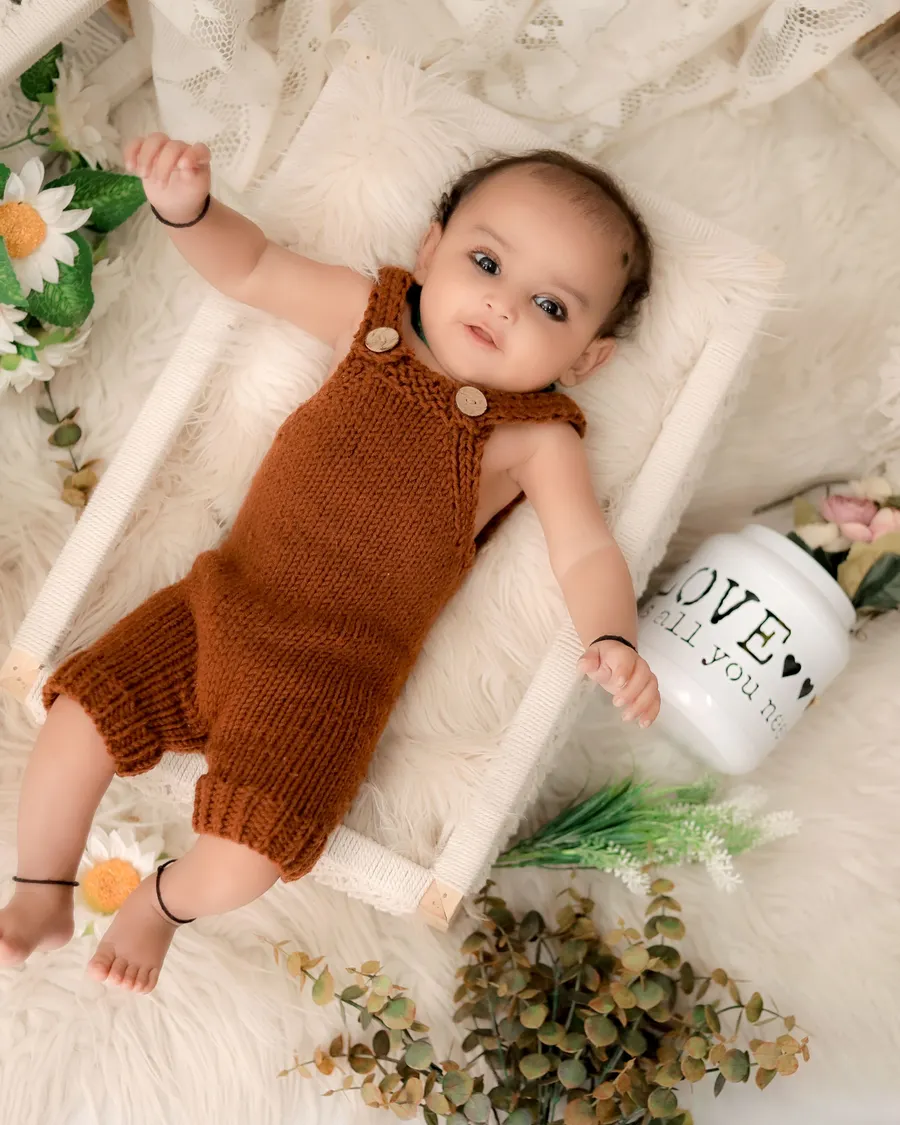
Creating an AI baby portrait from one photo usually involves choosing a reference image, describing a new scene, and reviewing the result. The exact steps depend on the service, so check its supported formats and privacy controls first.
Prepare a useful reference photo
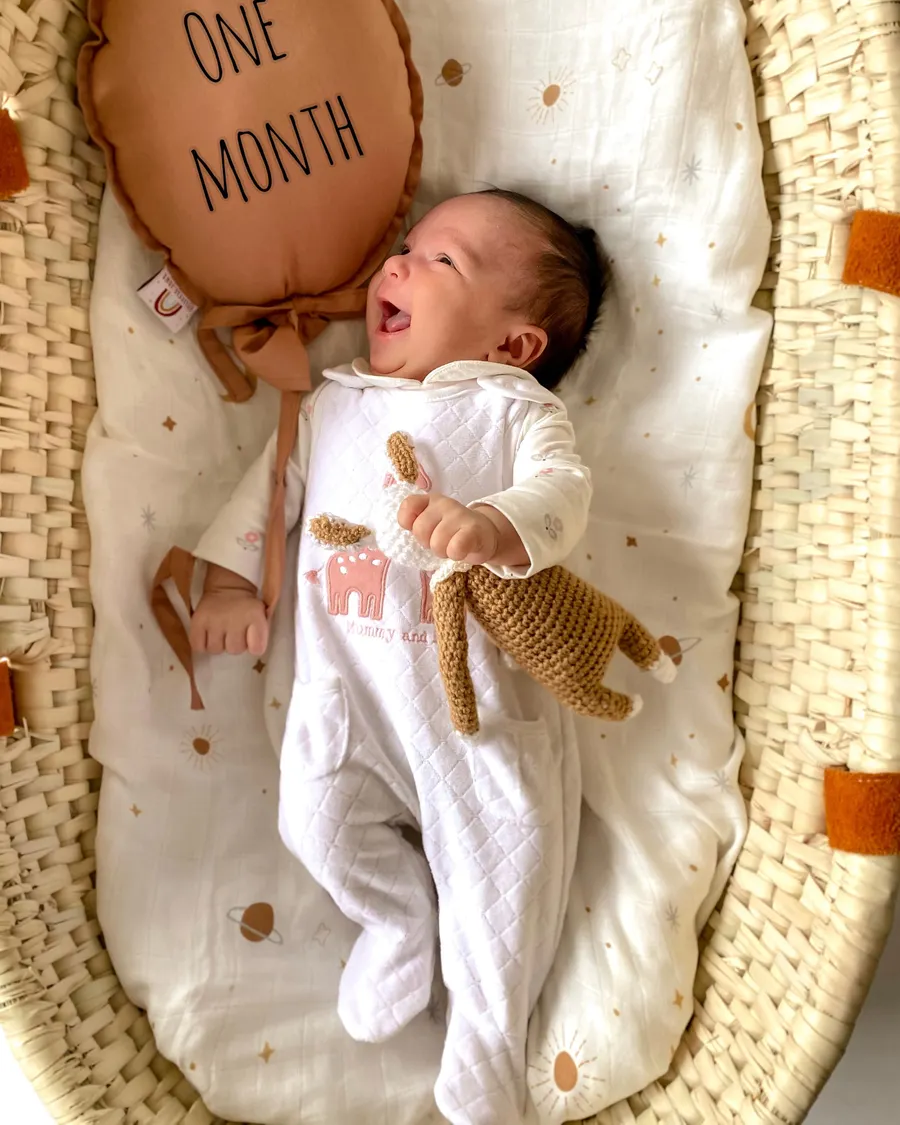
Choose a sharp, evenly lit photo where the face is visible and not covered by a filter. Use an image you have permission to upload, and remove location or personal metadata if that matters to your family.
Write a short prompt that changes the scene or styling while asking the tool to preserve recognizable features. Avoid complicated props and long lists of conflicting directions.
- Clear face and even light
- Simple background
- One scene idea
- No identifying text
Generate, inspect, and save
Review the output for identity changes, odd hands, incorrect text, or unsafe details. Regenerate or discard anything that does not look right.
Keep the original photo and note which parts were AI-generated. Check the service’s retention policy before using it for a child’s image.
- Compare with the original
- Check the tool’s privacy policy
- Label edited images clearly
Review prompts, privacy, and the final image
Keep a copy of the exact source image and note which tool produced the edit. If you compare several versions, review them at full size rather than choosing only from tiny thumbnails.
Use a service whose image handling you understand. If its retention or training policy is unclear, do not upload a child’s photo until you have a satisfactory answer.
Explore more in AI Tutorials or browse the complete BabyArt Journal.