Best Free Baby Photo Editing Tools Online
Free baby photo editors can help with cropping, exposure, and simple color adjustments.
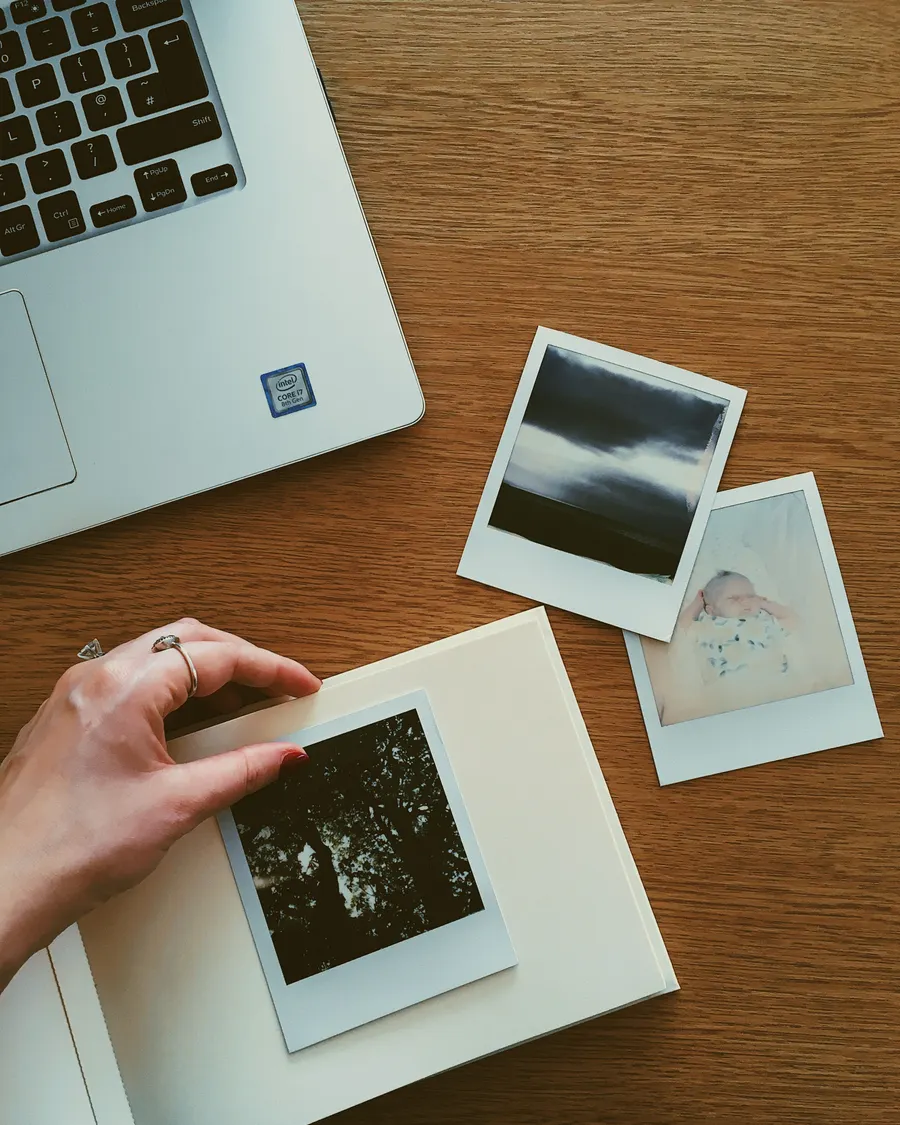
Free baby photo editors can help with cropping, exposure, and simple color adjustments. The best choice depends on the device you use, the file format, and whether the tool adds a watermark or requires an account.
What to check in a free editor
Look for basic crop, brightness, and color controls before decorative filters. Check export resolution, file type, watermark rules, and whether the editor uploads images to a cloud service.
For a natural portrait, make small adjustments and compare with the original. Strong smoothing can remove real skin texture and make a baby’s face look unlike the photograph.
- Export without an unexpected watermark
- Keep full-resolution originals
- Review upload and storage settings
- Test one image before editing a batch
A simple editing workflow
Crop first, straighten the frame, then adjust exposure and white balance. Save a copy rather than overwriting the original, and view the result on another screen before printing.
Free plans and features change over time, so confirm current limits and terms on the tool’s own site.
- Crop and straighten
- Adjust light gently
- Save a separate copy
Check the edit before sharing
Make a duplicate before editing so a filter or crop cannot overwrite the only original. Check the exported file dimensions before printing; some free editors reduce resolution on export.
Use subtle edits on skin and color. The purpose is to improve the photograph, not remove every natural detail that makes the image look like your child.
Explore more in Free Tools or browse the complete BabyArt Journal.